


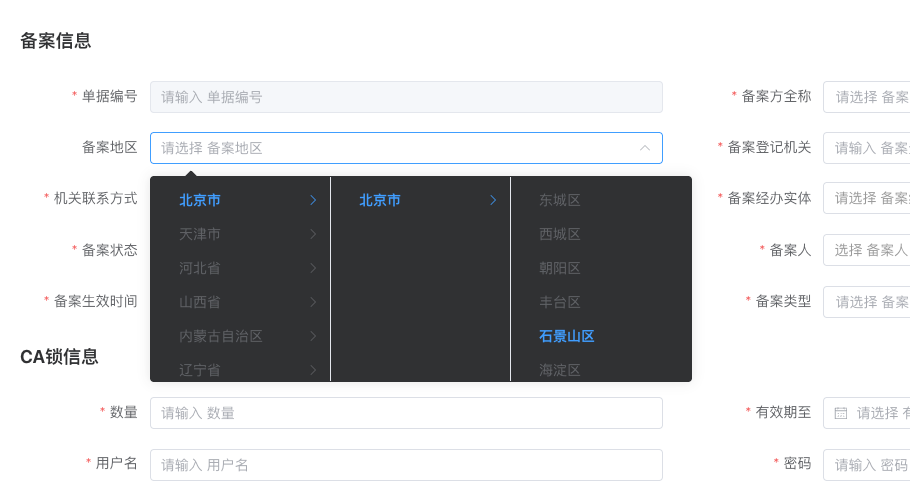
if (type == 'regionSelect') {
Object.assign(columnItem, {
type: 'cascader', lazy: true, dictType: 'region',
props: { label: 'name', value: 'id' },
lazyLoad: (node, resolve) => {
const level = node.level;
const data = node.data || {}
let pid = data.id
const regionType = columnItem.regionType
if (level == 0) pid = regionType == 'gj' ? 0 : 1
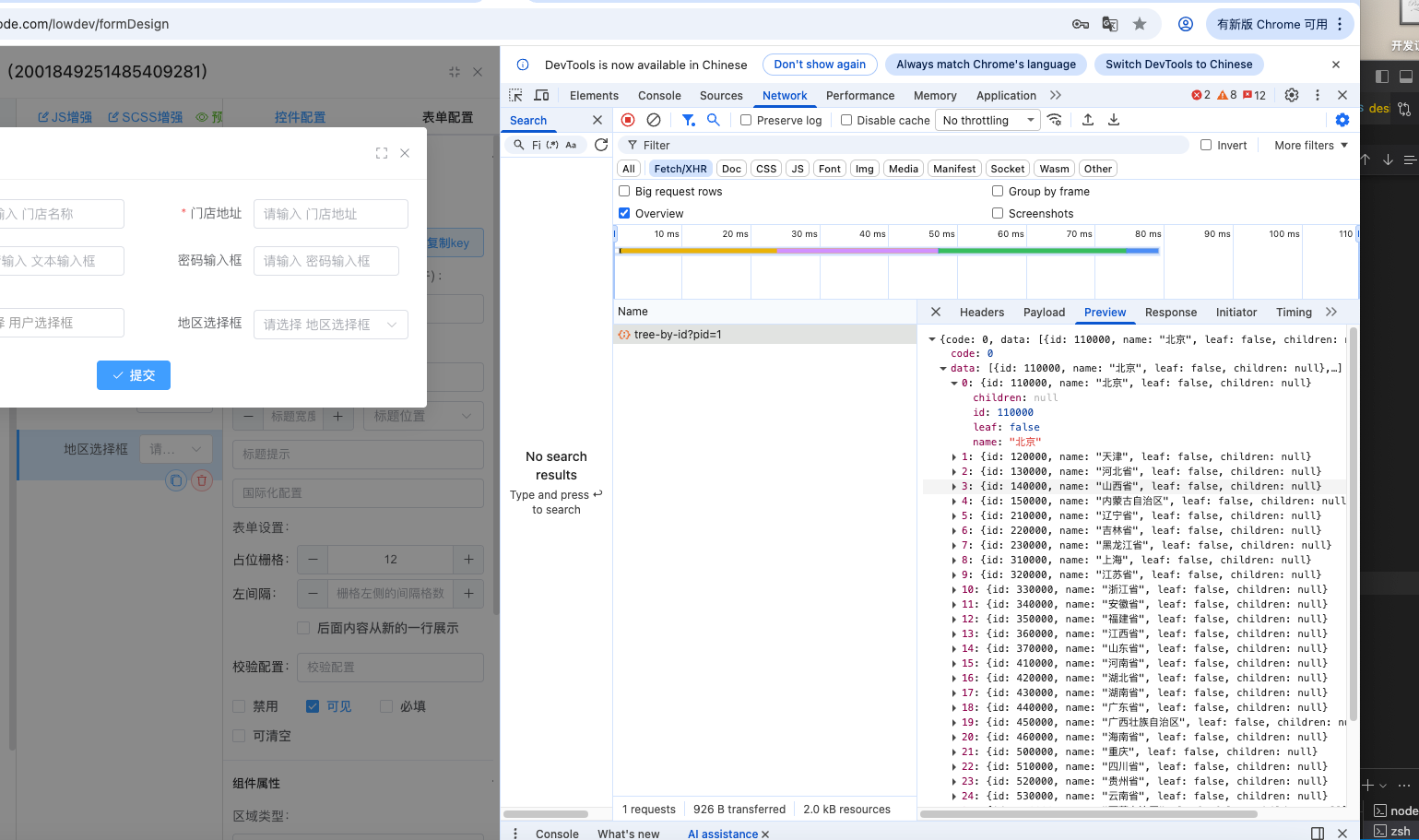
// callApiFun('get', '/system/area/tree', { params: { ip :pid } }).then(res => {
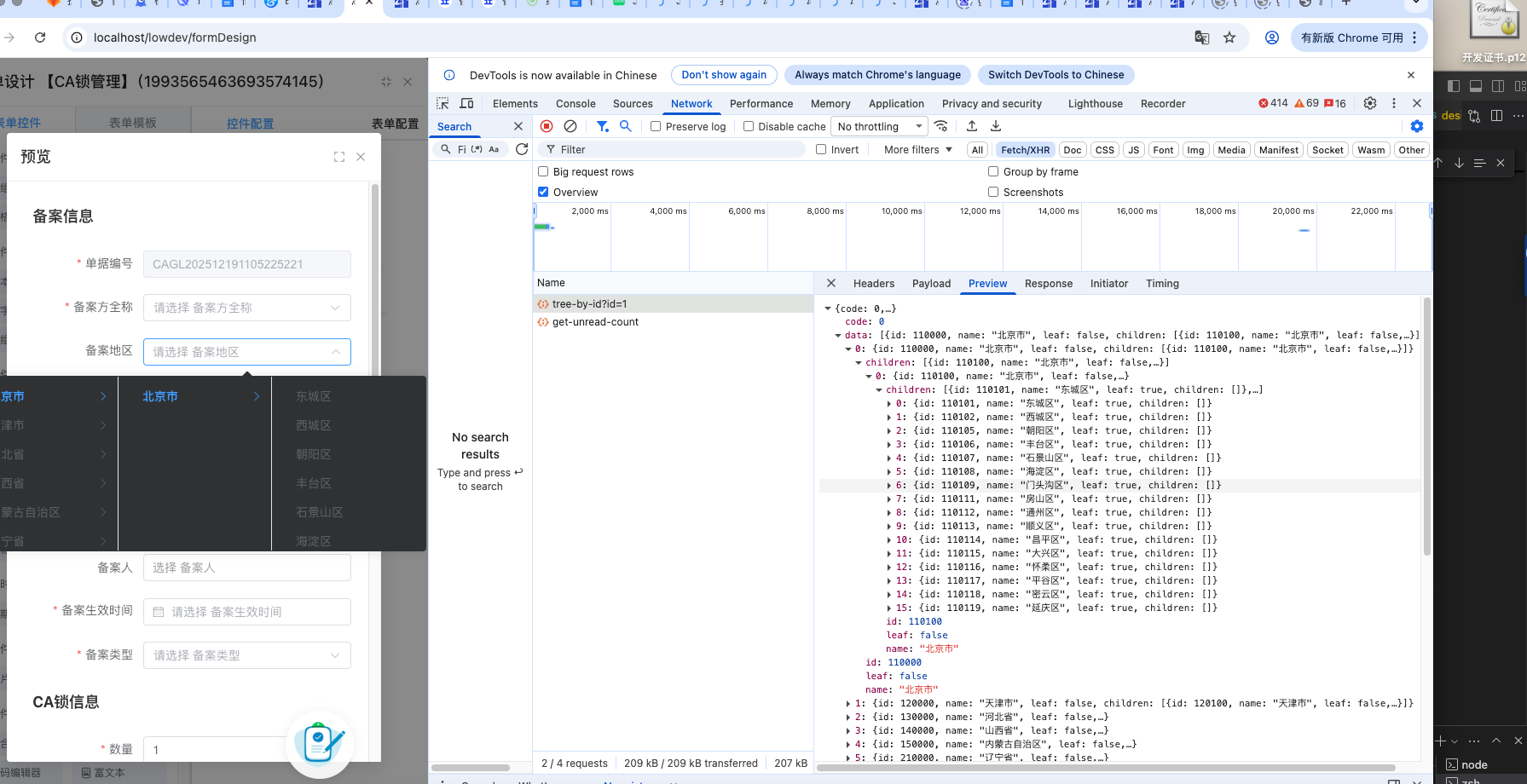
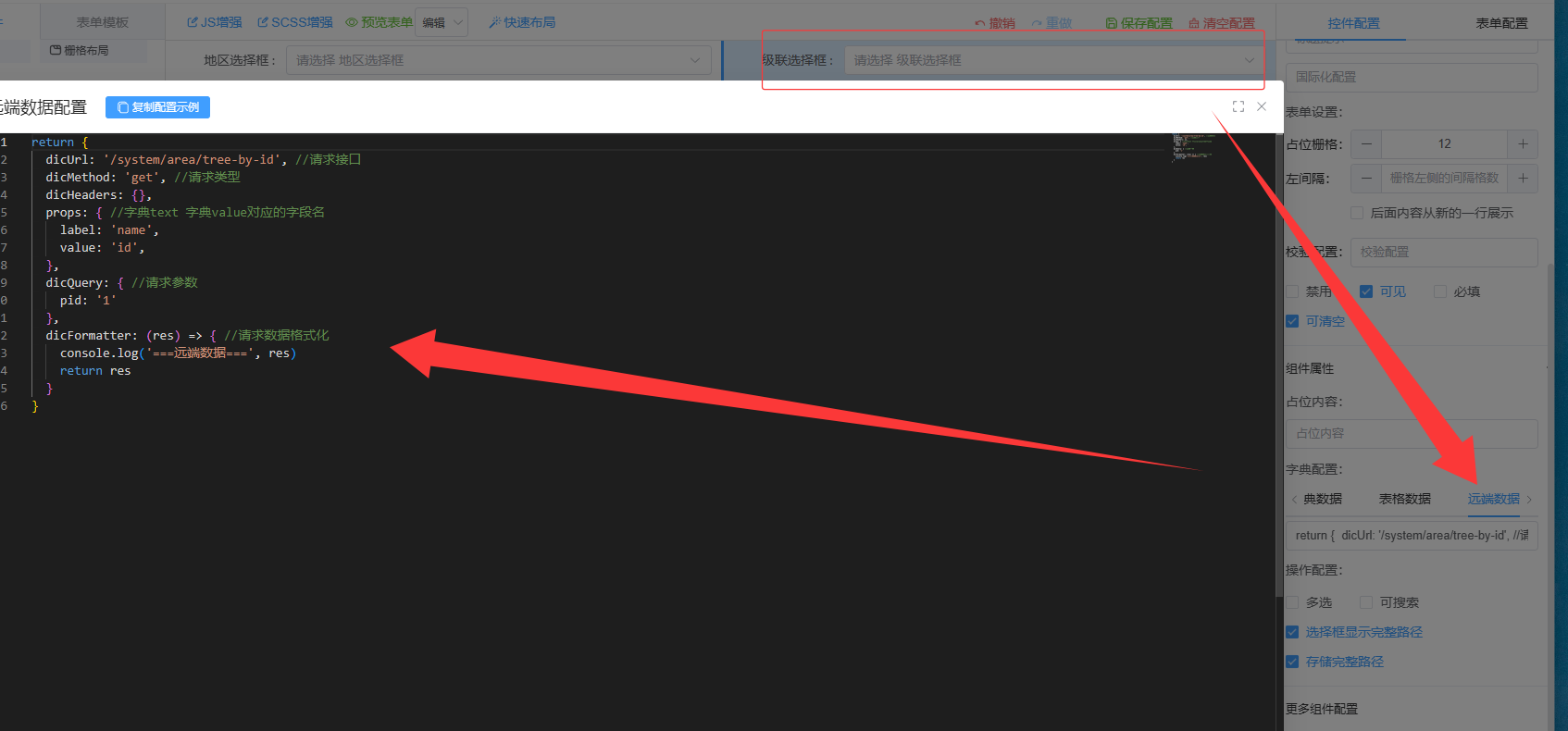
callApiFun('get', '/system/area/tree-by-id', { params: { id:pid } }).then(res => {
res = res.map(item => {
item.id = item.id + ''
if (['gj', 's'].includes(regionType) || (regionType == 'ss' && node.level == 1)) item.leaf = true
return item
})
resolve(res)
})
},
dataType: columnItem.multiple ? 'json' : 'string',
formatter: (row, value, valueText, column) => {
if (!value) {
row[`$${column.prop}`] = ''
return ''
}
const separator = column.separator || (column.multiple ? ' | ' : '/')
if (isValidJson(value)) value = JSON.parse(value)
row[`$${column.prop}`] = (value instanceof Array ? value : value.split(',')).map(id => {
if (id instanceof Array) return id.map(i => lowStore.dicObj[regionDicKey]?.[i] || i).join('/')
return lowStore.dicObj[regionDicKey]?.[id] || id
}).join(separator)
return row[`$${column.prop}`]
}
})
}

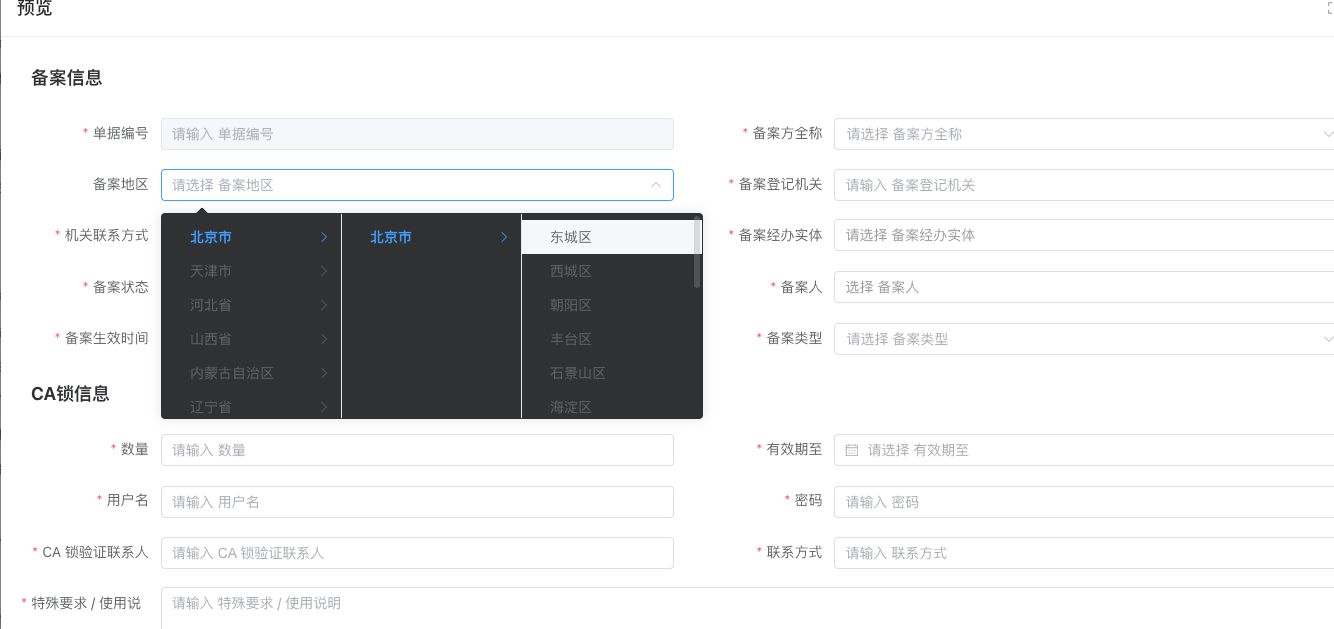
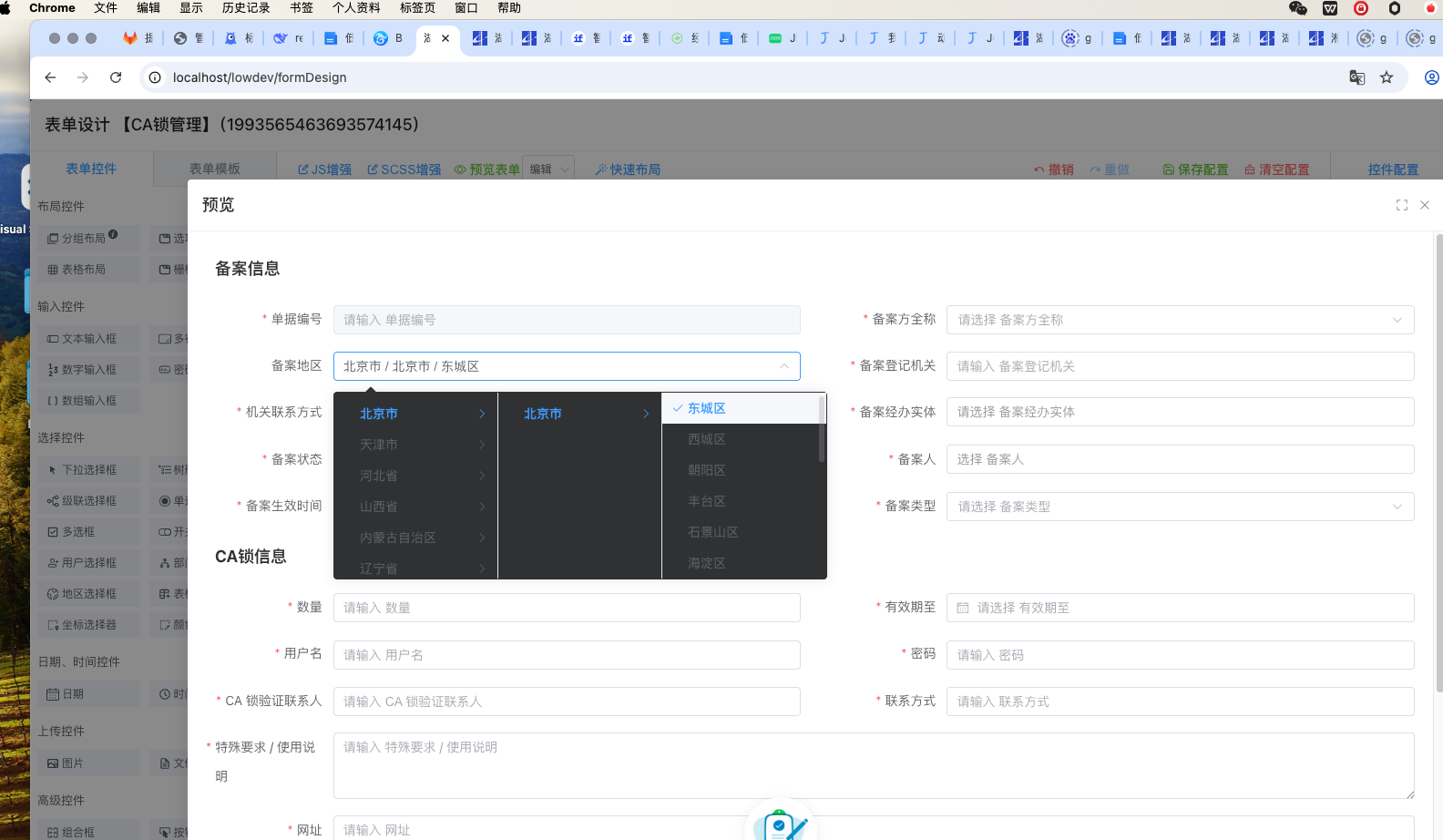
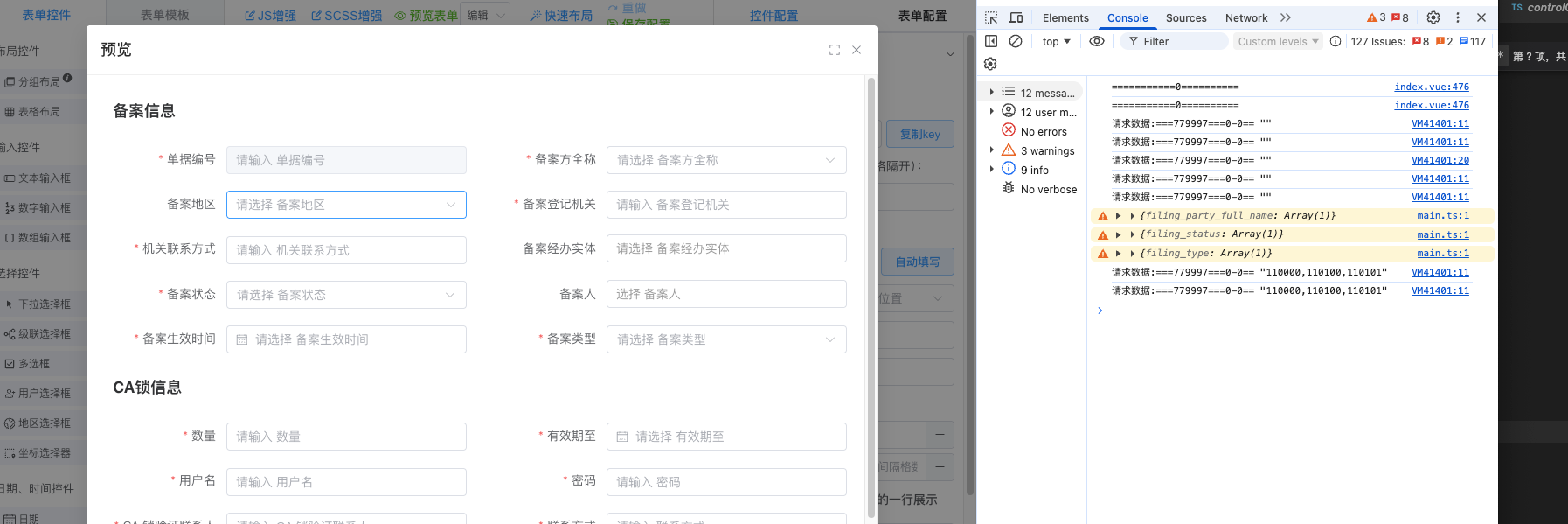


什么意思?你自己改了地区选择器的逻辑?